If something is missing, contact us directly through Werkzeu.ge.
Is Fakturen a complete accounting or tax application?+
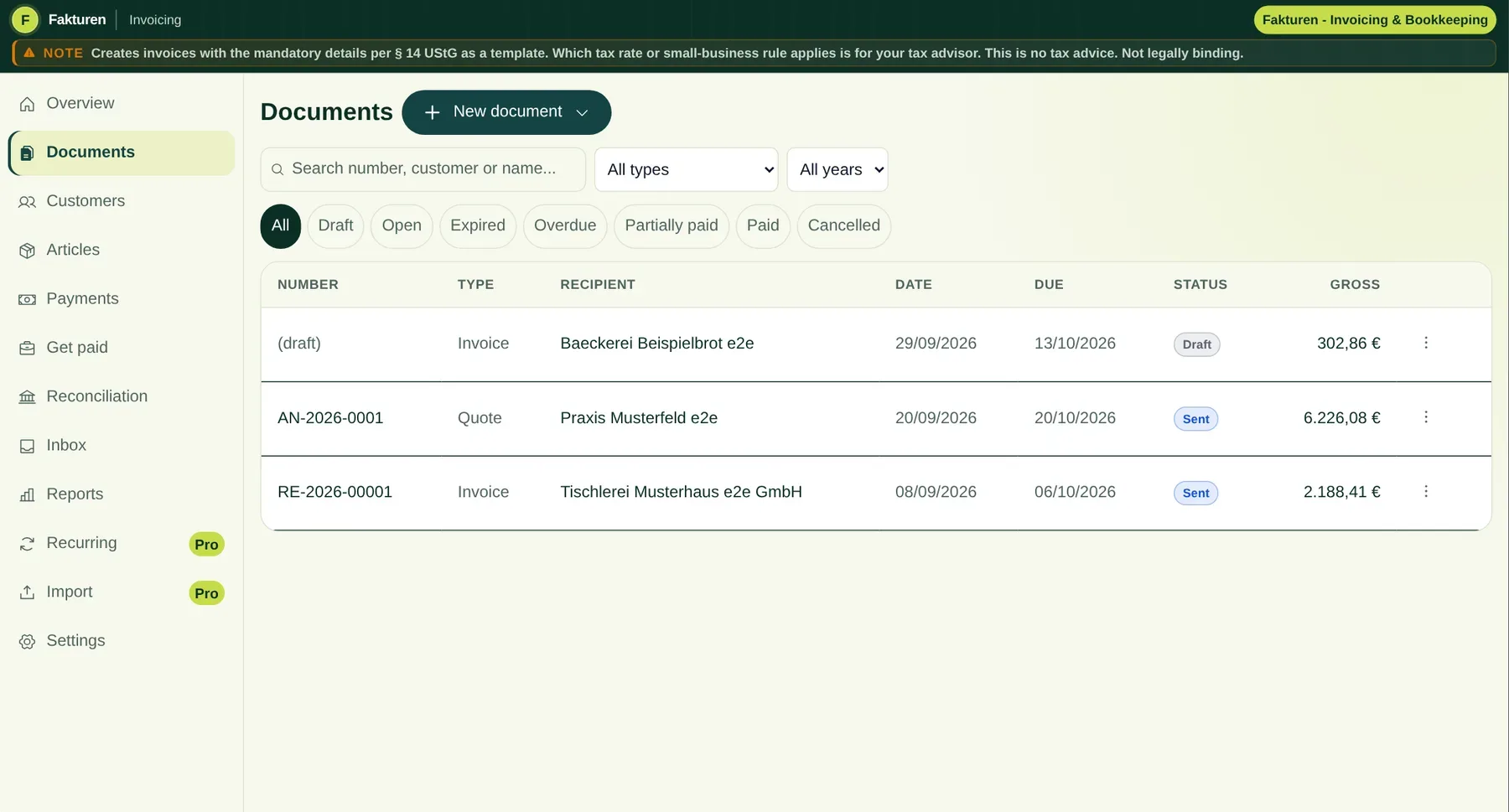
No. Fakturen connects invoicing, customer records, incoming invoices, reminders, payment matching and exports. It does not include tax returns, ELSTER filing, bank access or tax advice. Fakturen prepares data for your tax adviser; it does not replace them.
Which e-invoice formats does Fakturen support?+
Fakturen creates XRechnung 3.0 using CII syntax and ZUGFeRD or Factur-X with the EN 16931 profile as a hybrid PDF with embedded XML. It reads CII, UBL 2.1 and embedded ZUGFeRD. Technical checks do not guarantee acceptance or recognition for tax purposes.
Может ли одна фирма вести счета отдельно по направлениям деятельности?+
Да. В тарифе Pro каждое направление деятельности получает собственный логотип, дизайн документов и нужную нумерацию. Юридический отправитель, налоговые данные и банковский счёт остаются общими. Это для направлений одного юридического лица, а не для отдельных фирм.
Can one customer have several addresses and contacts?+
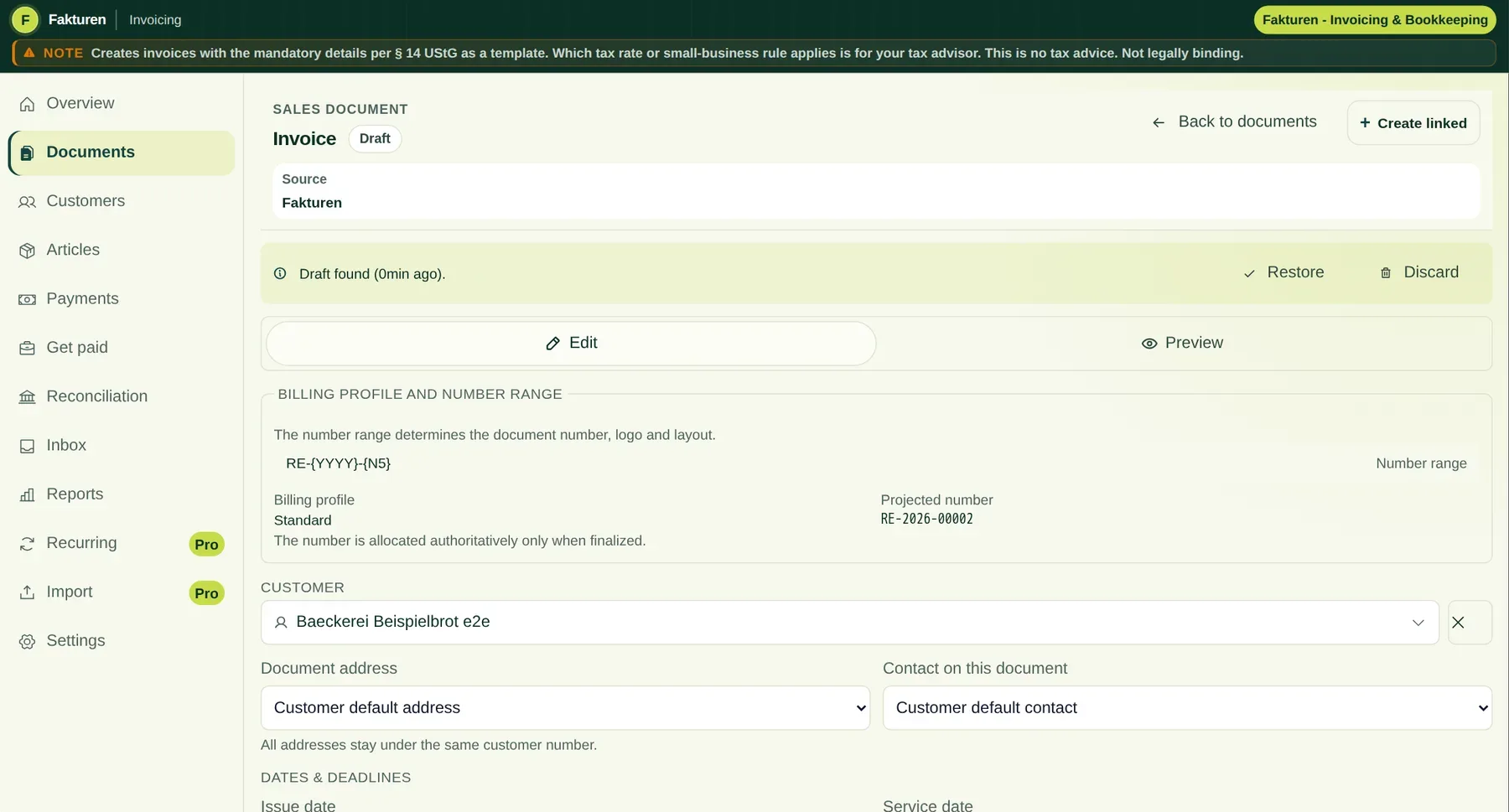
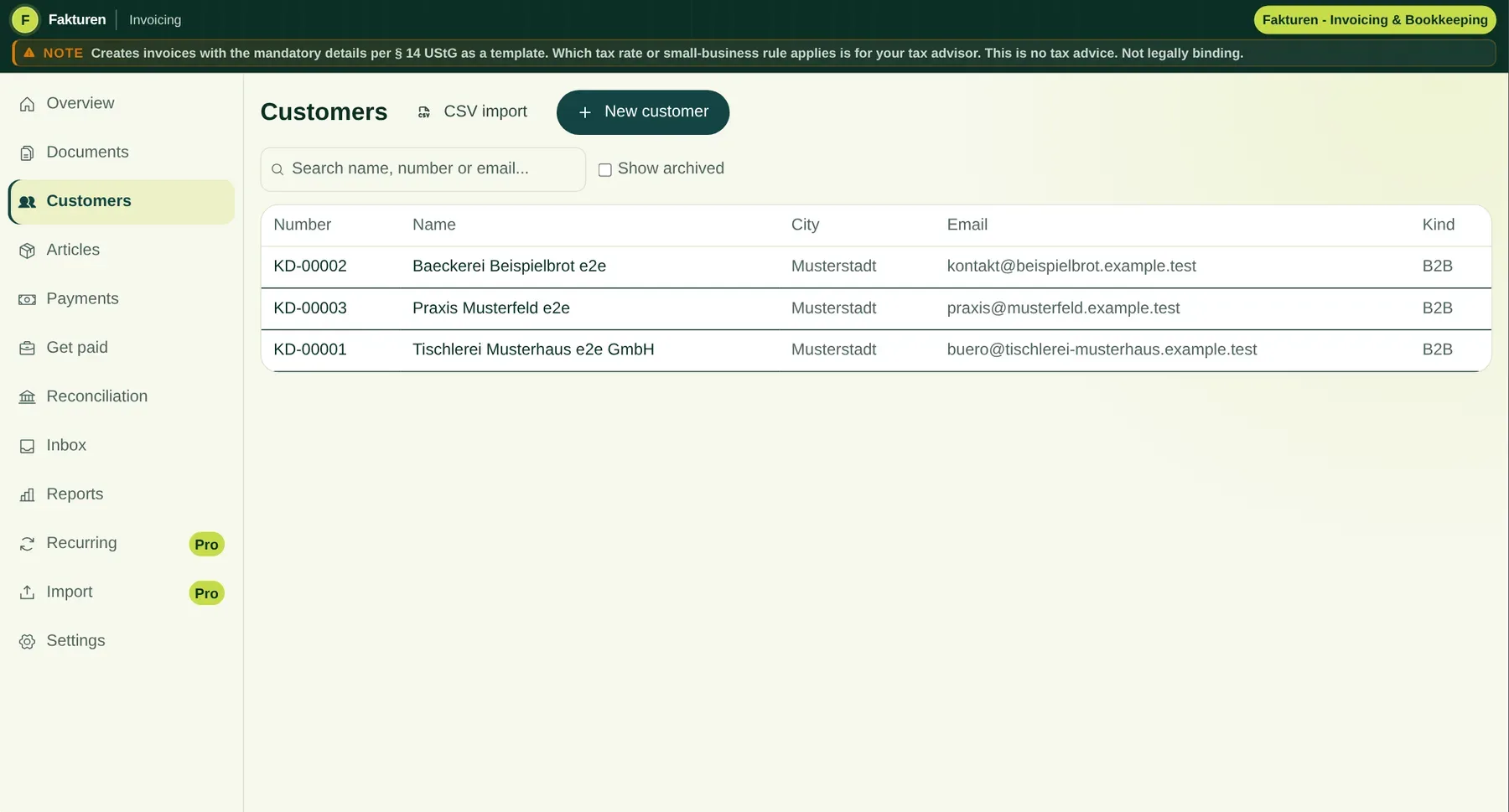
Yes. One customer number can have any number of billing, delivery, branch and other addresses, plus several contacts. Final documents freeze the selected recipient address as an immutable snapshot.
Does Fakturen connect to my bank and payment providers automatically?+
No. You import CSV exports from your bank, PayPal, Mollie, Stripe or card processor. Fakturen detects duplicate rows and suggests matches. A payment is created only after you confirm it.
Will Fakturen automatically send dunning notices?+
Only if you explicitly enable “Send automatically” in Pro. Dunning notices are then finalised and emailed without another per-document approval. Alternatively, Fakturen can only notify you or prepare a draft for review. Default interest and the EUR 40 lump sum are calculation aids. Before enabling automation and whenever circumstances change, check that default has legally begun, the debtor is not a consumer and the amounts may be claimed.
How do other team members join?+
During team checkout, you set up the organisation and number of seats. After successful activation, invite colleagues by email. They register from the invitation link or sign in with an existing Werkzeu.ge account.
Can I create an invoice without an account?+
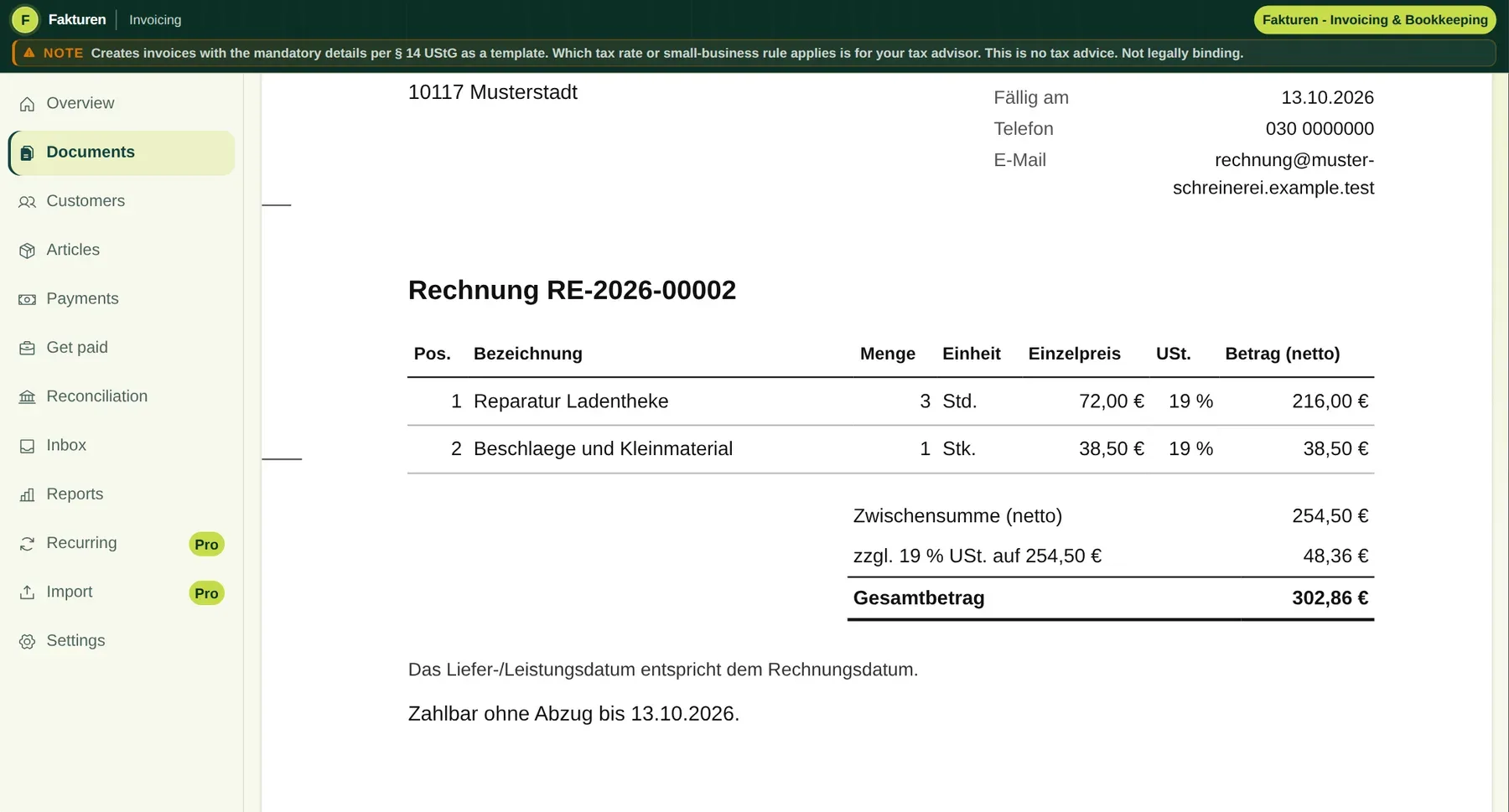
Yes. The free version is the Fakturen editor with one invoice per day: without signing in you write an invoice and get a ZUGFeRD e-invoice (EN 16931) with Girocode and a light Fakturen logo at the bottom of every page. To create it, the invoice data goes once to our server in Germany and is not stored there. With a free account you can also save your customers. XRechnung, other document types, document chains, incoming invoices and unlimited invoices without the Fakturen logo are part of Plus.
What does the DATEV export contain?+
With Pro, finalised invoices can be exported as a DATEV-format booking batch using EXTF 700 for SKR 03 or SKR 04. Fakturen does not create a payment booking batch and does not provide a direct DATEV connection.
How do I bring data in and take it out?+
Customers and products can be imported from CSV. With Pro, you can create up to 500 new invoice drafts per CSV batch. Data export and GDPR access remain available. From five team seats, we help transfer customer and product data at no charge.
Где хранятся мои данные?+
The core application and primary file storage run on Hetzner infrastructure in the NBG1 location in Germany. Encrypted, geographically separated backups are stored in another Hetzner EU region. Payment and email providers are listed separately in the privacy notice. This product page uses no advertising trackers or optional cookies.